
Mastering Job Search Organization: A Systematic Guide for Tech Pros
By Patryk Domasik · Created with AI assistance
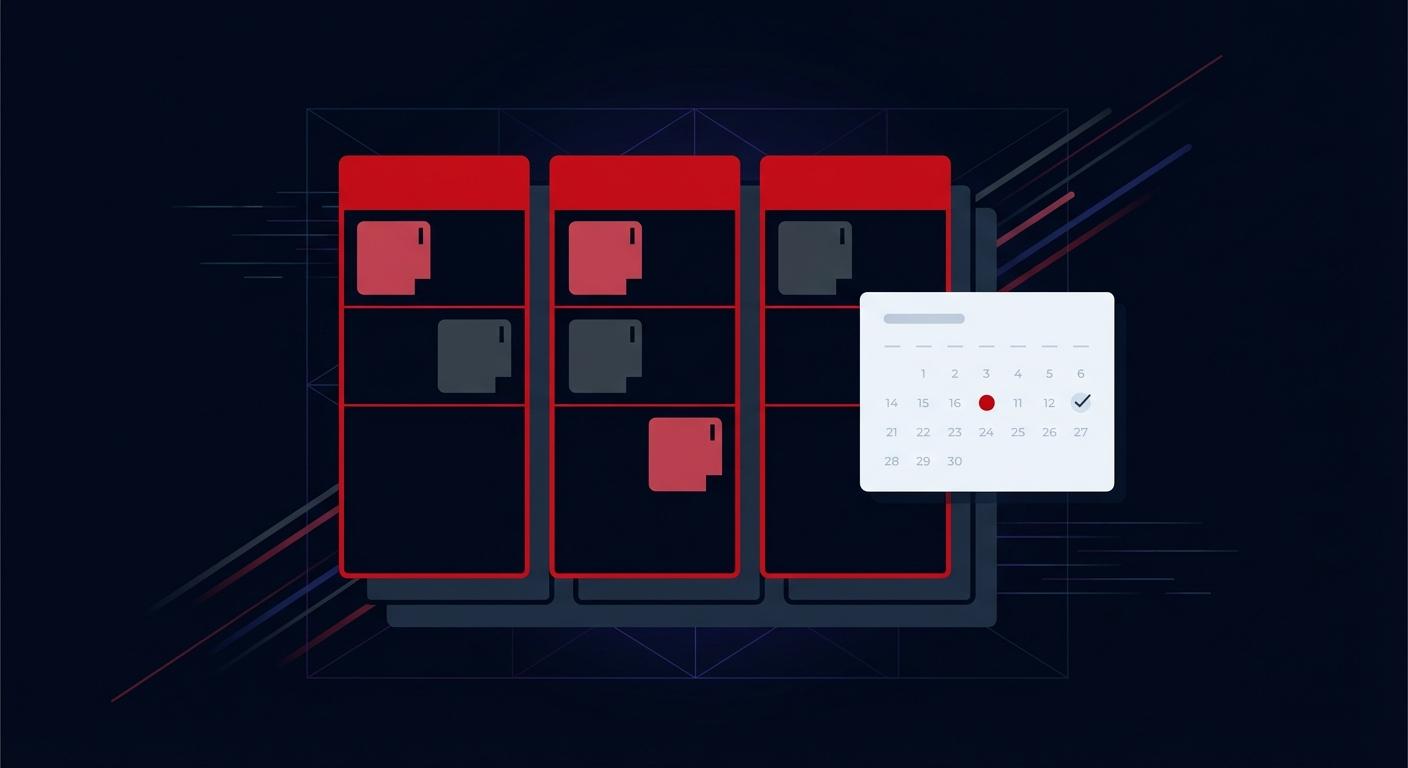
A useful job-search system lets you answer three questions: where have I applied, what happens next, and what needs my attention today? You can start with a spreadsheet or a dedicated job application tracker. The important part is keeping one reliable record for each opportunity.
Choose the information you will actually use
Keep the following fields together. Add more only when they help you make a decision.
| Field | Example | Why it helps |
|---|---|---|
| Company and role | Example Labs — Backend Engineer | Distinguishes similar openings |
| Original listing | Link and a saved description | Preserves the requirements if the advert disappears |
| Source and date saved | Company careers page, September 8 | Helps you retrace the opportunity |
| Current status | Saved, applied, in process, offer | Separates research from submitted applications |
| Last contact | Recruiter email, September 10 | Gives follow-ups context |
| Next action and date | Prepare system-design examples by September 12 | Makes the next step actionable |
| Resume version | Backend CV, version 3 | Shows what the employer received |
| Notes | Hybrid; confirm office days | Keeps unanswered questions visible |
This is an illustrative record, not a real employer or recruiting timeline. Store only contact details you need, and avoid putting sensitive information in notes you intend to share.
Build a shortlist before you apply
Choose your constraints first: role type, location, work arrangement, relevant experience and compensation expectations. Separate requirements you must meet from preferences you can discuss. Save the listing before investing time in a tailored application.
Give each opportunity a simple priority: apply next, research further, or leave aside. A high-priority role should have a clear reason to pursue it, such as relevant work, a useful learning opportunity or an acceptable location. Avoid assigning precise scores to information you do not yet have.
When the same role appears on several job boards, use one main record and add the other source links to its notes. Check the employer, title, location and reference number before treating two listings as duplicates.
Use a repeatable capture workflow
- Save the job link using URL import, a browser extension or manual entry.
- Check the imported company, title, location and salary period against the advert. Extraction can miss details.
- Record why the role fits and which requirements need clarification.
- Set the next action: research the team, prepare a resume, or apply before the stated deadline.
- After submitting, mark the application as applied and record the date and resume version.
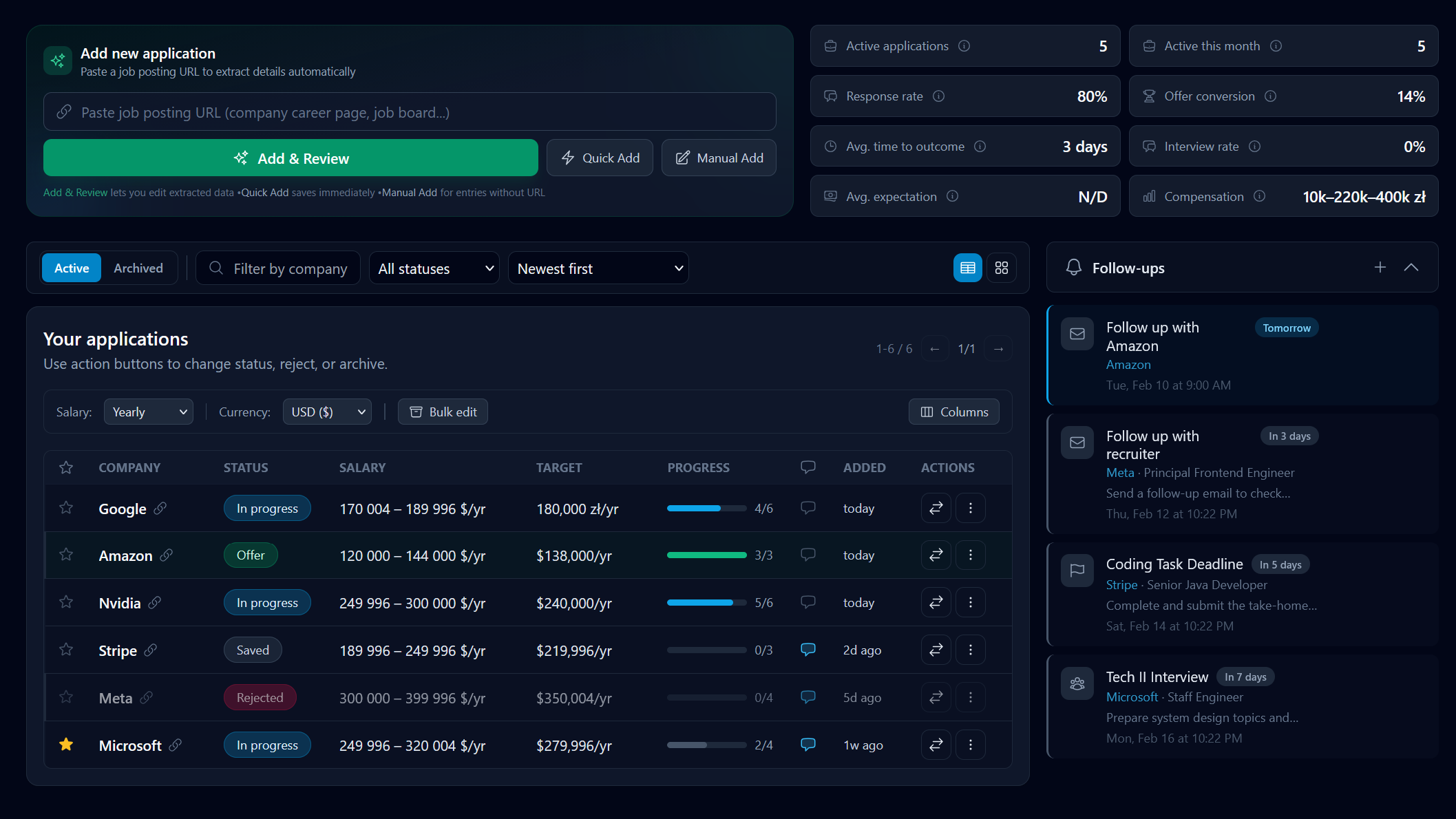
JobTrackr supports this workflow on its free plan. Resume building, AI tailoring, matching and advanced analytics require Pro; using them is optional for keeping your search organized.
Review your search once a week
Reserve a regular review slot. Start with interviews and deadlines, then work through applications awaiting a response. Review whether each next action still makes sense rather than sending a follow-up simply because a reminder exists.
Use this checklist:
- Confirm upcoming interview dates, time zones and meeting links.
- Record responses that arrived outside your usual email thread.
- Check applications whose stated response date has passed.
- Choose a manageable set of new opportunities to research or apply for.
- Close or archive opportunities you no longer intend to pursue.
Archiving keeps the working view tidy, but archived records still count toward JobTrackr's 10-application free limit. Choose Pro if you need to retain more applications in the account.
Keep interviews connected to the original application
An interview should extend the application record rather than create another disconnected document. Add the stage, participants, preparation topics and open questions. After the conversation, record the promised next step while it is fresh. The interview-tracking guide includes a practical stage-by-stage example.
Handle silence without losing the rest of your search
Use the recruiter's stated timeline when deciding when to check in. If a follow-up is appropriate, send a short message with the role and prior conversation date. Continue other applications while waiting. The job-ghosting guide has adaptable messages and a way to decide when to move on.
Spreadsheet or dedicated app?
A spreadsheet works well when you want a small, flexible list and are comfortable maintaining dates and reminders yourself. A dedicated app is useful when you want statuses, interview stages and follow-ups together. Compare the actual limits and workflows in the tracker-app comparison before moving your full history.
Start tracking your applications for free
Free includes 10 applications, including archived ones, one resume analysis and one interview quiz. See the plan comparison for Pro features.